The welcome note sounds like someone else
The issue has a voice. The page and the first email were written in a hurry, in another, and a new reader meets the wrong one.

For newsletter writers
Writing the issue is the part you like. The page, the welcome note and the list of what the next issues are still have to exist, and they have to sound like the same publication.
Now in beta. Windows now, macOS next.

Please please please do not release this, I want it all to myself!
So good I just want to keep it to myself. It feels like I have a cheat code.
Okay... this is the AI moment for me. I have never been so productive in my life.
Yup, I'm hooked on Threadful. Not sure how I ever worked without it. I use it for everything.
So much better than ChatGPT for real projects. Never going back.
The quality of what this can create is amazing.
Early Beta Tester Feedback
Sound familiar?
Skip two weeks and the newsletter is an idea again. Nothing holds the voice, the promise or the next issue.
The issue has a voice. The page and the first email were written in a hurry, in another, and a new reader meets the wrong one.
The archive is files named final-v3. You cannot point a reader at the one about a topic without opening all of them.
The next issues were in your head. A busy fortnight empties it, and getting started again means inventing the publication a second time.
Sentence in. Project out.
One sentence in
“Sell a watercolour course for beginners”
Loose Washes is a watercolour course, and it shipped the three things a newsletter needs on day one: a page, a piece of writing (the workbook) and the email that announces it. The words match across all three.
The project out
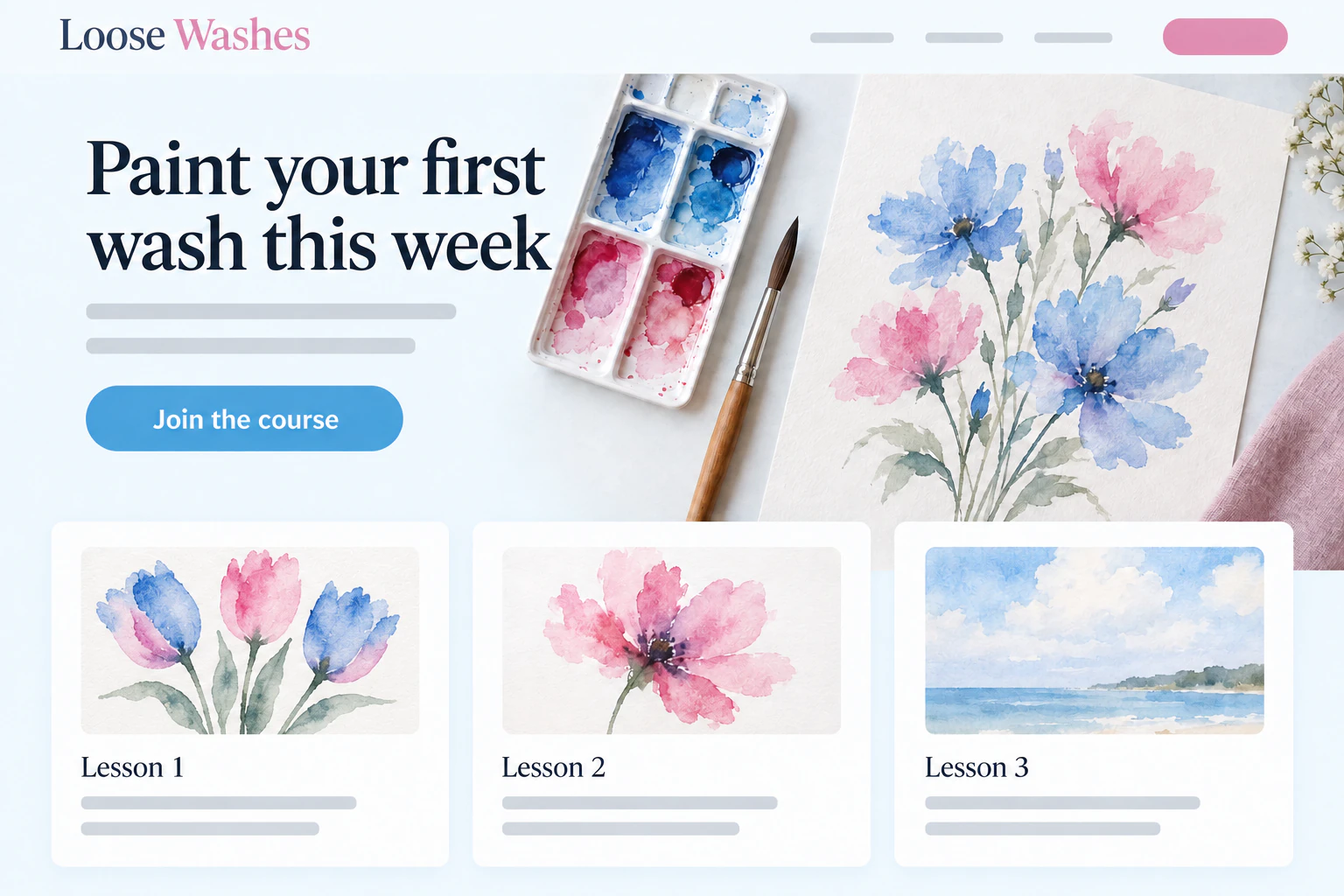
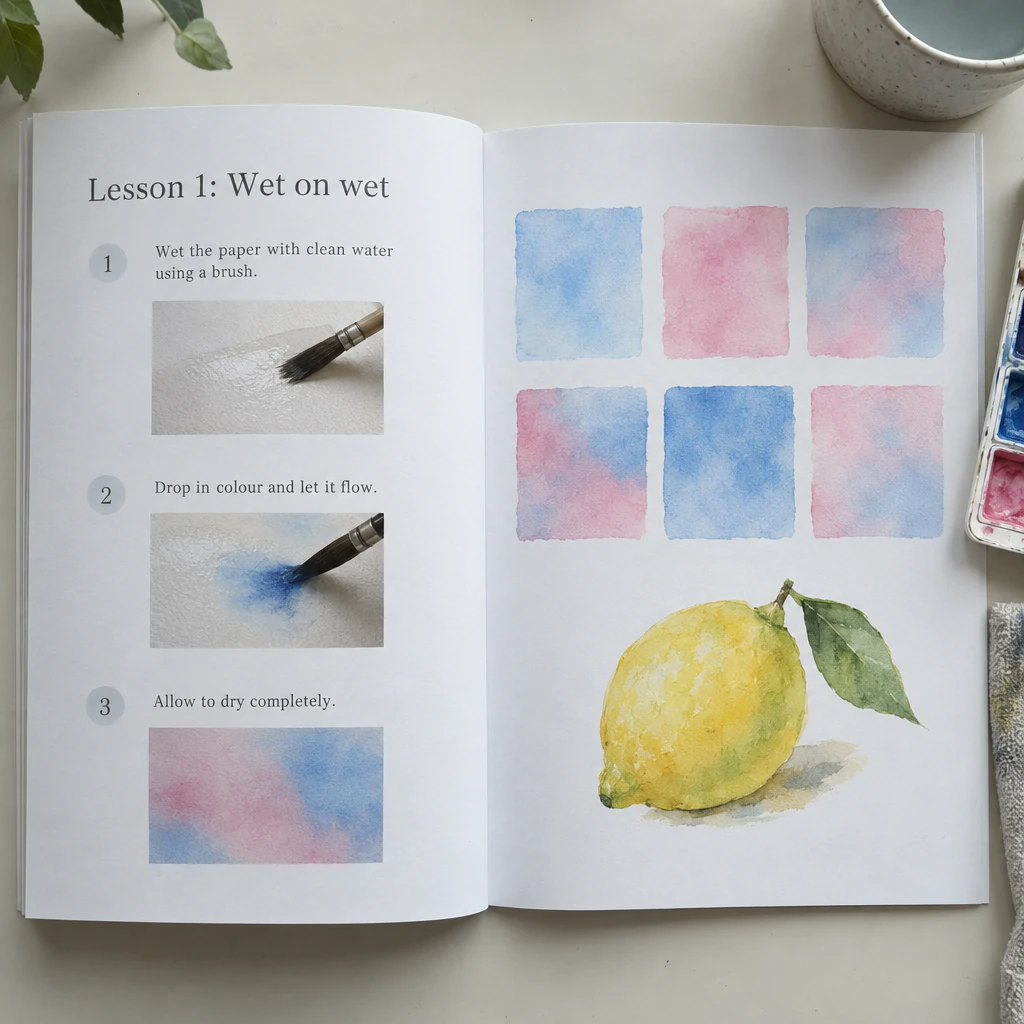
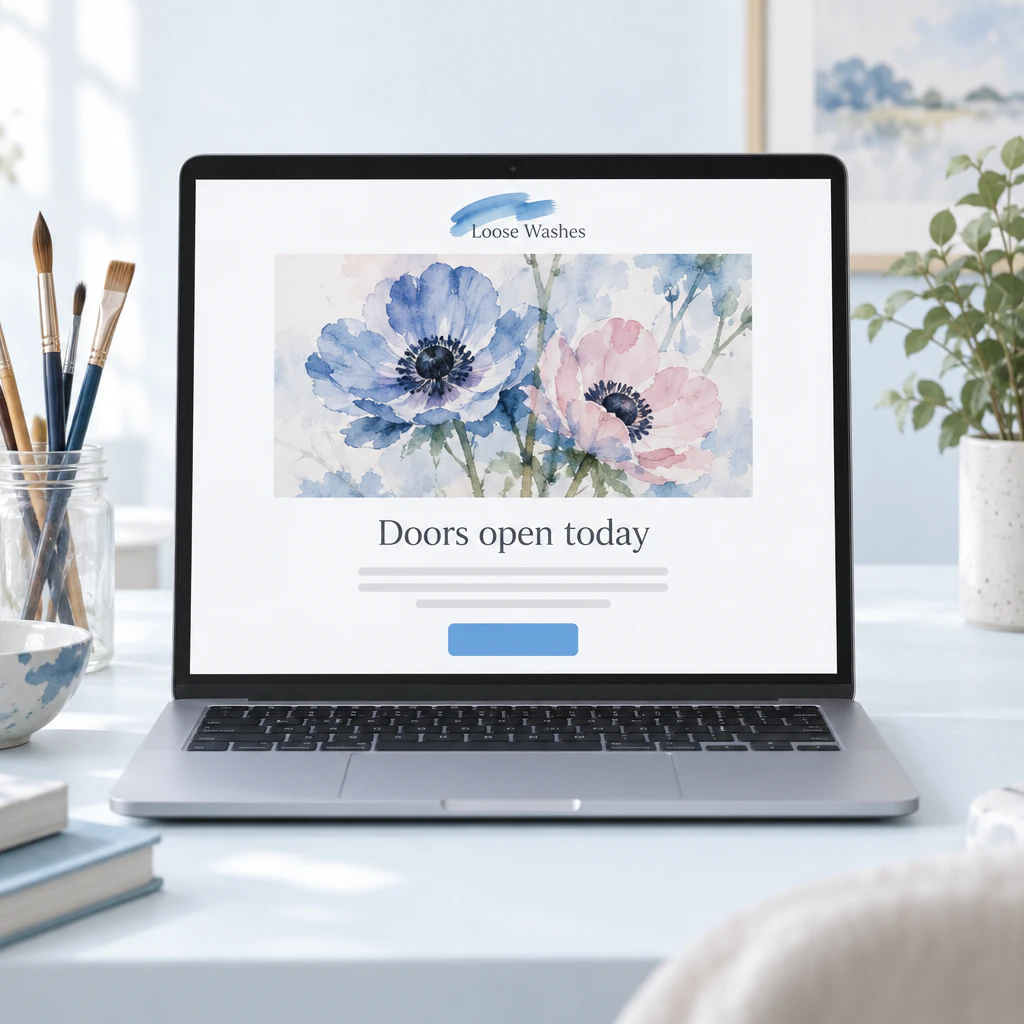
An illustrative example of what one sentence can become. Not a customer project.
What helps most
The issue can stay in the tool you send from. The project holds the plan, the page and the voice.
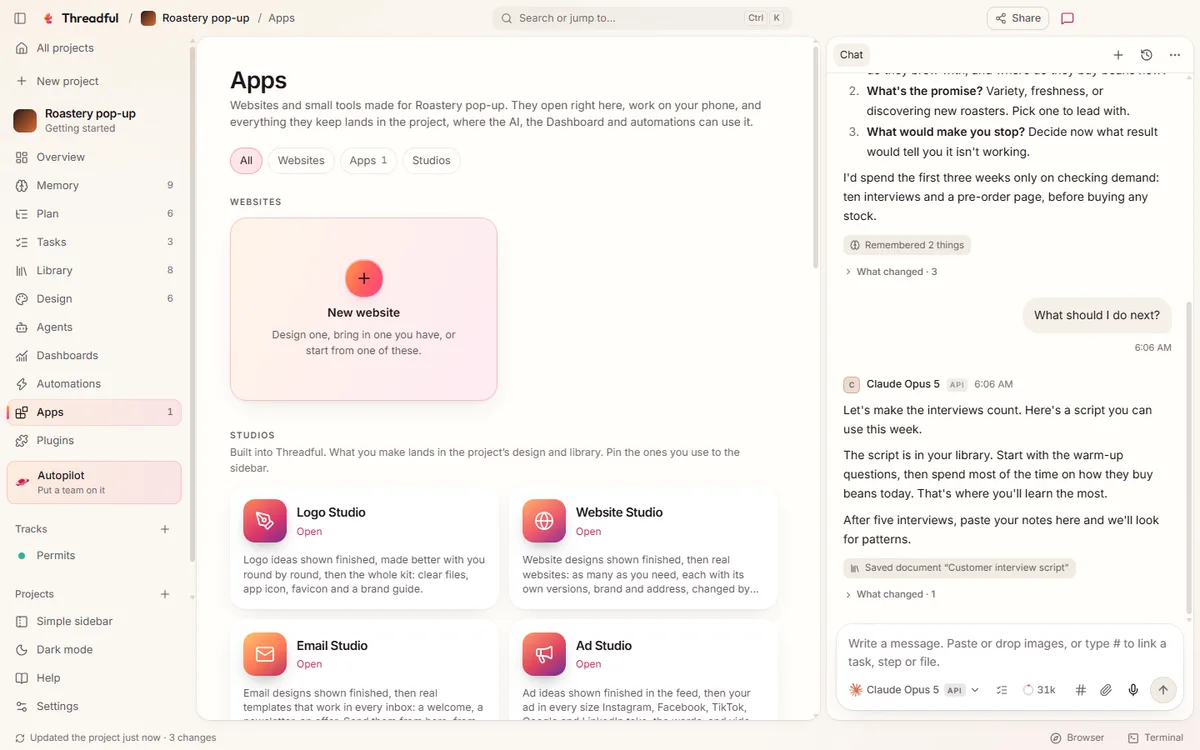
Website Studio and the email templates share the brand. The page and the welcome email are written from the same brief, so a new reader hears one publication.
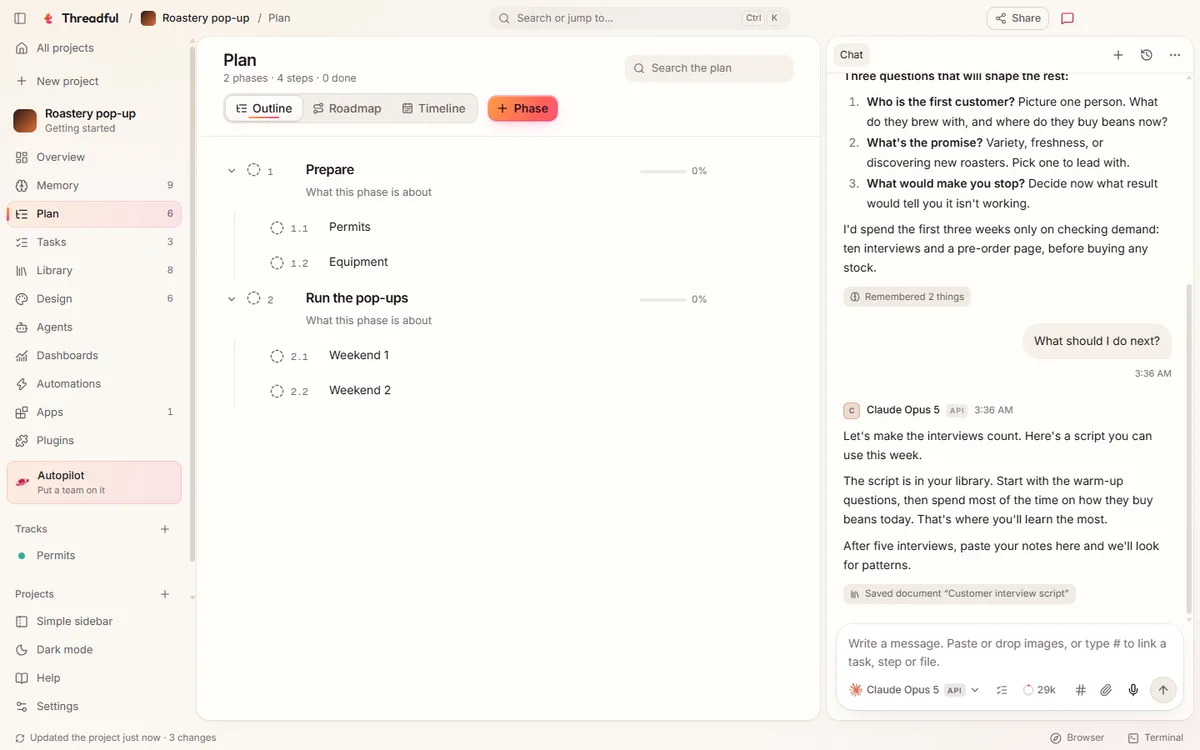
Upcoming issues are tasks on the plan. Memory keeps who it is for and what you promised, so a gap does not erase the publication.
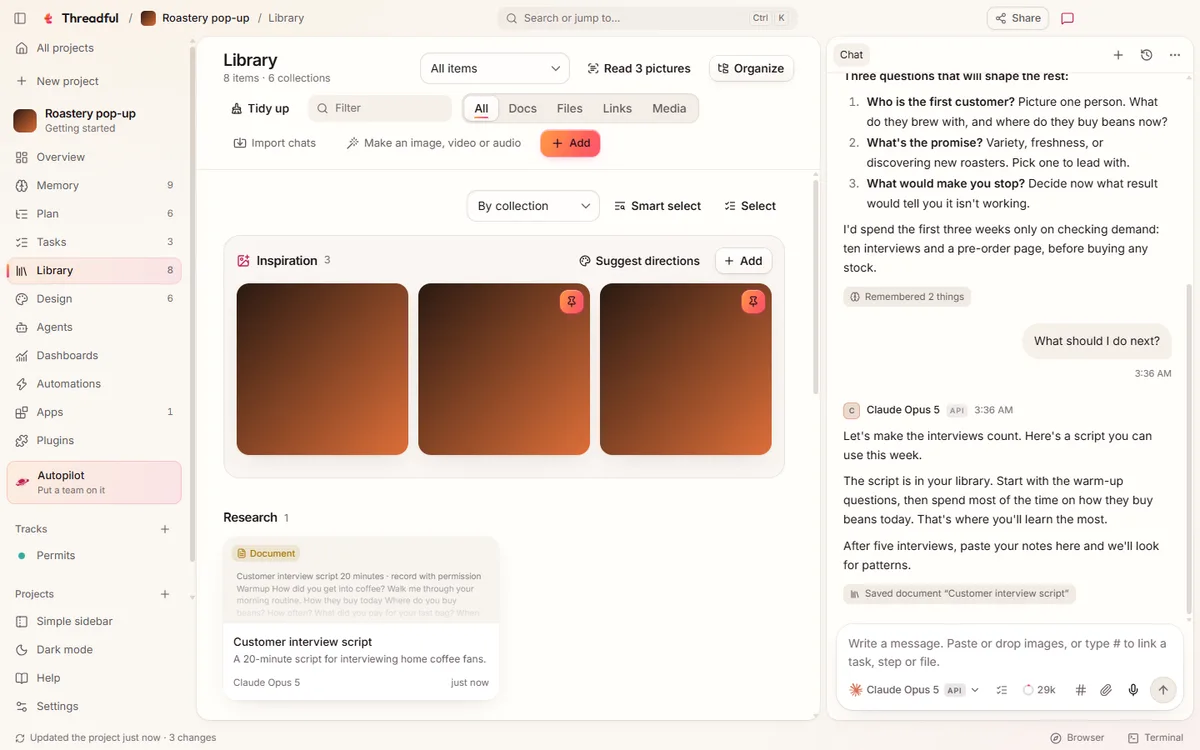
Drop the issues into the library. Search finds them by meaning, so the one about a topic is a question away, not a scroll through filenames.
Starter template
Paste this as the first message. You still write the issues. This stands up the rest.
Your first message
I write a newsletter about [the subject] for [the reader]. Make a name, a subscribe page, a welcome email and a plan for the first six issues. Keep one voice across all of it.
Then ask it for
Apps worth adding
Questions
It writes and exports the email, for Mailchimp, Klaviyo, Brevo, Kit or a plain HTML file. Sending a designed template through Resend is there when you add a key. Your list can stay where it already is.
Yes. Drop the files into the library, or import a notes folder of Markdown or Word. They stay on your computer and the project can search them.
It will draft from the brief and the plan, and you edit. The point of the project is that the page, the welcome note and the plan stay in the voice you keep.
A 30-day trial with everything, from the day you first open the app, no card. Then Free, with chat on your own AI keys or credits you buy and one project, or Pro from $49 a month, with monthly credit levels. The price is shown before you pay.
Something else? Write to hello@threadful.ai. A person answers.
Nearby
Other pages in Makers. The full list is on Who it’s for.
A 30-day trial with everything, from the day you first open the app. Then Free, or Pro from $49 a month with monthly credit levels.
Free during the beta. No card. Windows now, macOS next.

