Make your logo final
Its colours, type and logo files become the project’s design, and every studio after it starts from them.

Studios
Ten studios for what a project needs to go out into the world: a logo and brand, websites, emails, ads, video, slides, writing, names, ideas and spreadsheets. Each works from your project and your brand, and each ends in real files.
How they work
You react to finished ideas instead of describing a picture in your head, and say what to change in your own words.
Say what you are making in a sentence. What the project already knows is filled in.
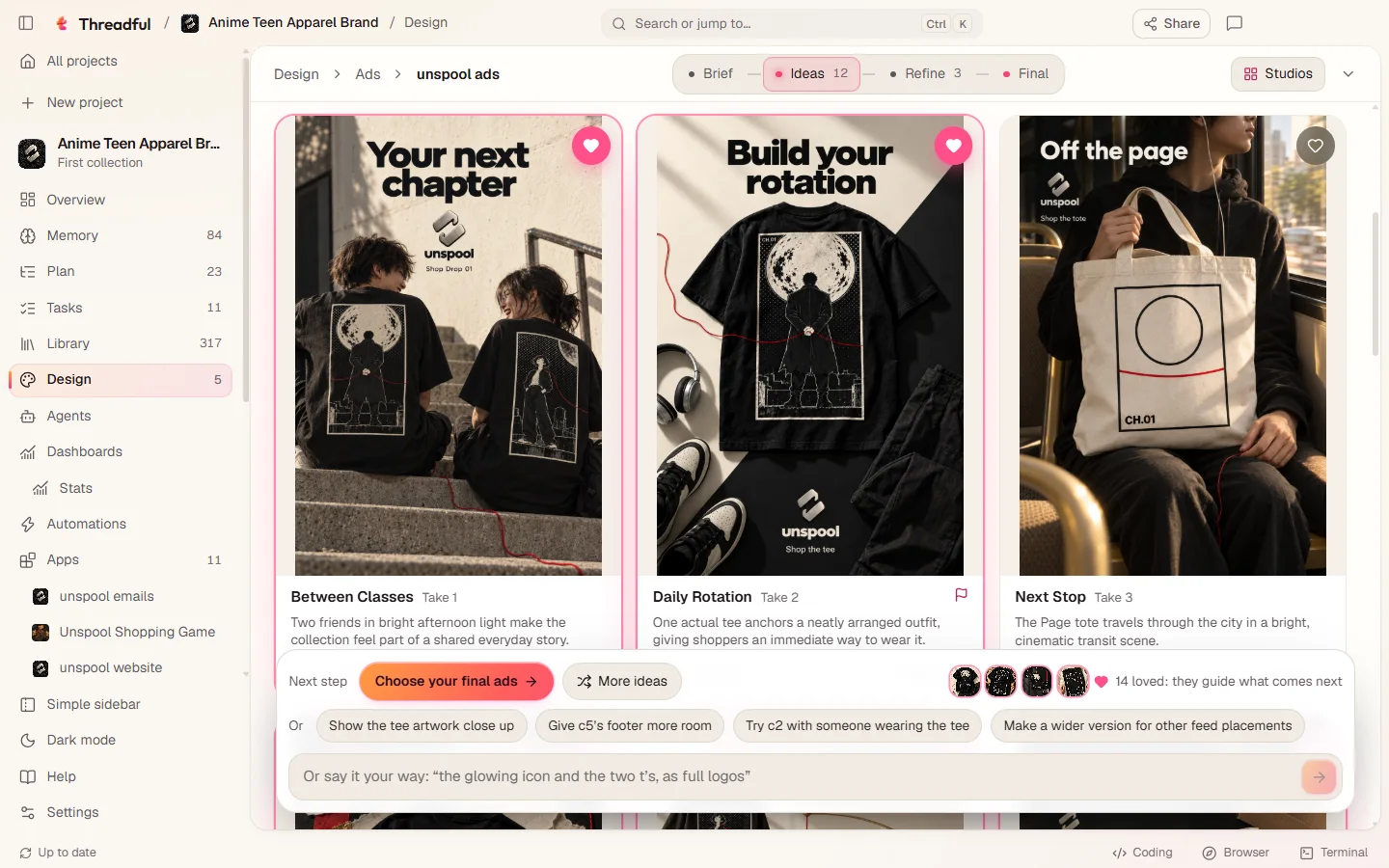
Six directions, each shown finished, with the one the studio would pick and why.
Heart what you like and refine it in rounds, or say what to change in your own words.
Real files: the kit, the pages, every size, the deck. All kept in the project’s library.
Everything made final lands on the canvas, where you change any picture, or one part of it, by saying what to change. Each change is a new version, and nothing is lost.
Built in
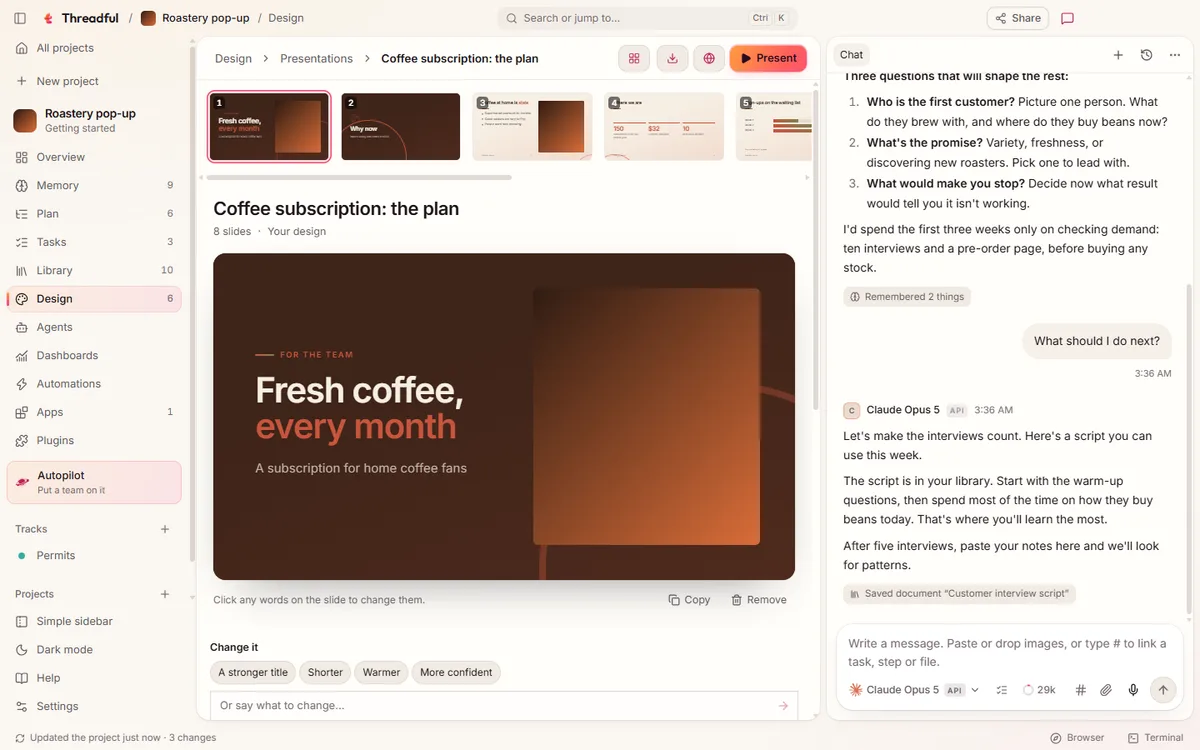
Built into Threadful’s Design page. The ones that make pictures go Brief, Ideas, Refine and Final, and end in real files.
Ready-made
Added to a project in a click, with nothing to build. They work from the project and send what you keep back into it.
One project
The studios share one project, so what you settle in one shows in the rest.
Its colours, type and logo files become the project’s design, and every studio after it starts from them.
A colour or font you change goes into your websites, email designs and slide looks wherever they used it, with one Undo.
Make your logo final again, and your websites and emails in that brand take the new files.
Honestly
Each studio’s page says exactly what it takes. In short:
Questions
No. You say what you are making, react to finished ideas and say what to change. The studio does the drawing, and you make the calls.
An image service: Threadful credits, which come with Pro, or your own OpenAI or Google key, a Higgsfield plan or another picture service. Writing, Name, Idea and Spreadsheet Studio need only an AI model.
Into the project’s library, on your computer. Ideas you didn’t keep stay folded away in the studio instead of filling it up.
Yes. Ask in the chat for a logo or a poster and it starts in the studio, ready for you to heart and refine. Agents and Autopilot teams design the same way.
The Design page also makes app screens with App Store and Google Play pictures, packaging, posters and flyers, characters and game art, the same way: a brief, ideas, rounds and final files.
Something else? Write to hello@threadful.ai. A person answers.
Join the beta. Invites go out in waves, with earlybird beta pricing.
Free during the beta. No card. Windows now, macOS next.

