A theme
Colours, type, background, decoration and how pictures sit, read from the design you chose and drawn as real slides you can change by hand.

Studios · Built in
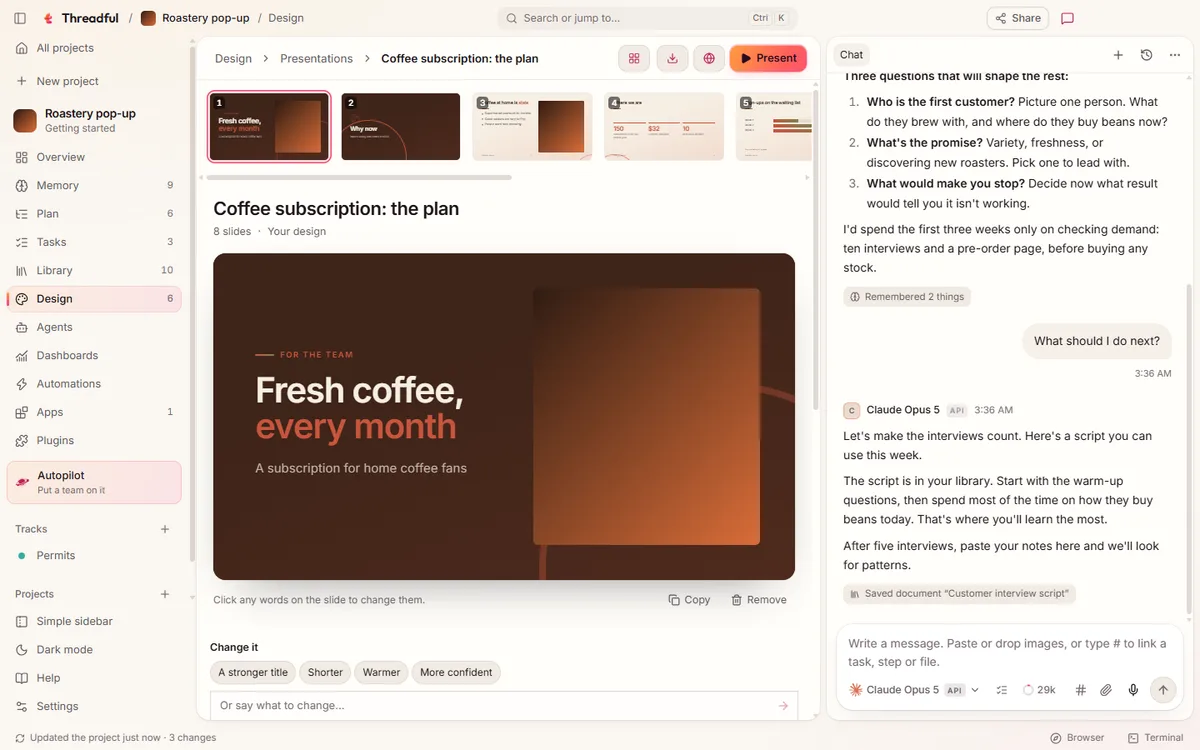
Design a look for your slides the way you design a logo, or use your project’s design as it is. Decks are written in it from what the project knows, with speaker notes and pictures made for the slides that need them.
What you get
Colours, type, background, decoration and how pictures sit, read from the design you chose and drawn as real slides you can change by hand.
From the plan, this week’s work, a pitch, a launch, a decision, your notes or a sentence, with the project’s real names and numbers.
Titles, sections, points, numbers, charts, statements, quotes, full pictures, side by side, steps and a closing slide.
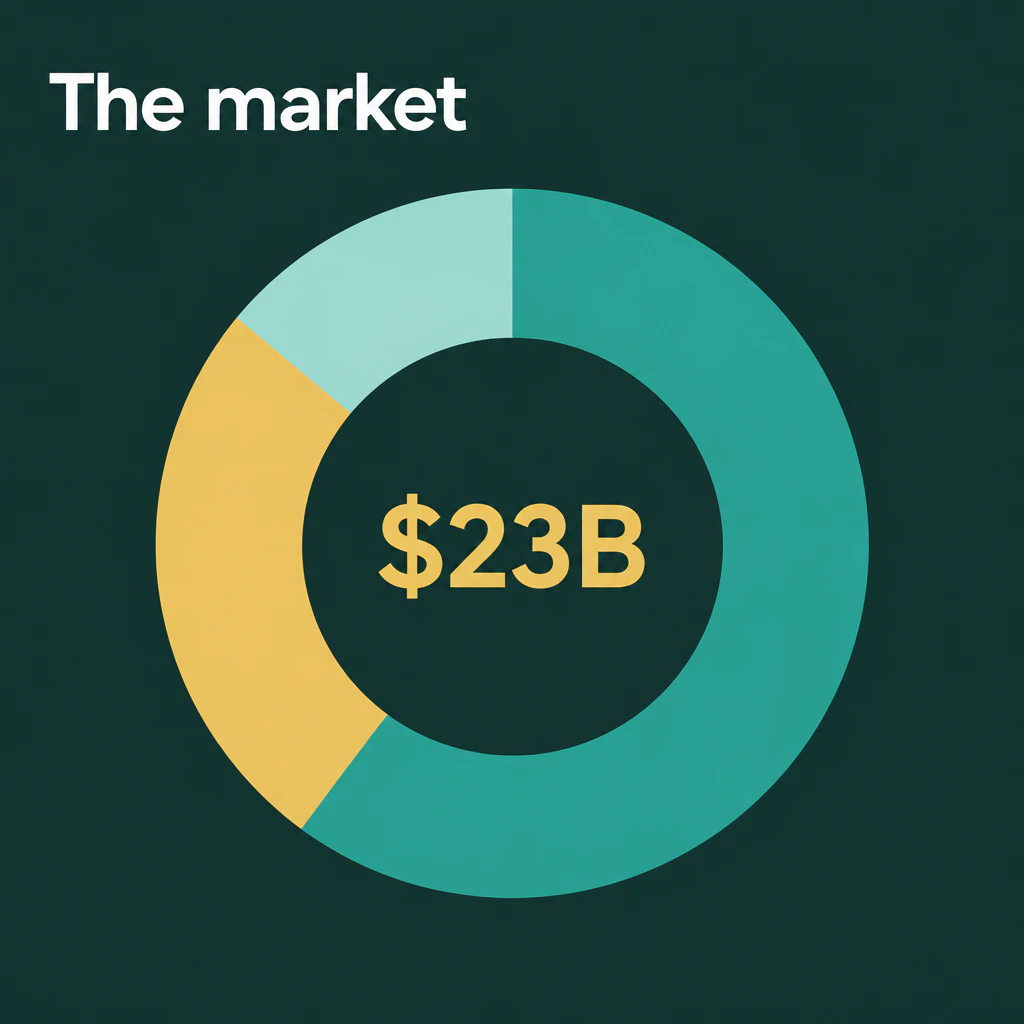
Made in the theme’s picture style, for the slides that need one.
PowerPoint with every word as text to change, the speaker notes and transitions; a PDF; or a 1920 by 1080 picture of every slide.
Publish a deck as a page that presents like the app: arrow keys, swipes and full screen.

Step by step
The brief fills in from your project. Add how it should feel, and pictures you like.
The ideas come as finished slides, to heart, refine and choose from.
Refine your favourites, or say what to change in your own words.
Make this my theme reads the look into a theme, makes its background picture, and writes a first deck in it.
New deck asks what it is about, who it is for, how many slides and which look, then writes the slides with speaker notes.
The details
Shorter, simpler words, more visual, a stronger title or an example, or say what to change. Click any words on a slide to type.
Full screen with each slide’s transition, the speaker notes a key away, and points that come in one at a time.
A deck in Your design follows the project’s look, so a new colour or font reaches the slides.
Honestly
What it takes to start, and what you can add when you want it.
Questions
The PowerPoint file opens in all three. Each slide’s design is its background and every word is text you can change; fonts show as designed where they are installed.
Yes. Decks are written from the project’s plan, tasks and library, so the names and figures are its own.
No. Your design uses the project’s look as it is, so you can write a deck straight away.
Something else? Write to hello@threadful.ai. A person answers.
More studios
Each one works from the same project and the same brand.
Join the beta. Invites go out in waves, with earlybird beta pricing.
Free during the beta. No card. Windows now, macOS next.

