Sheets linked by formulas
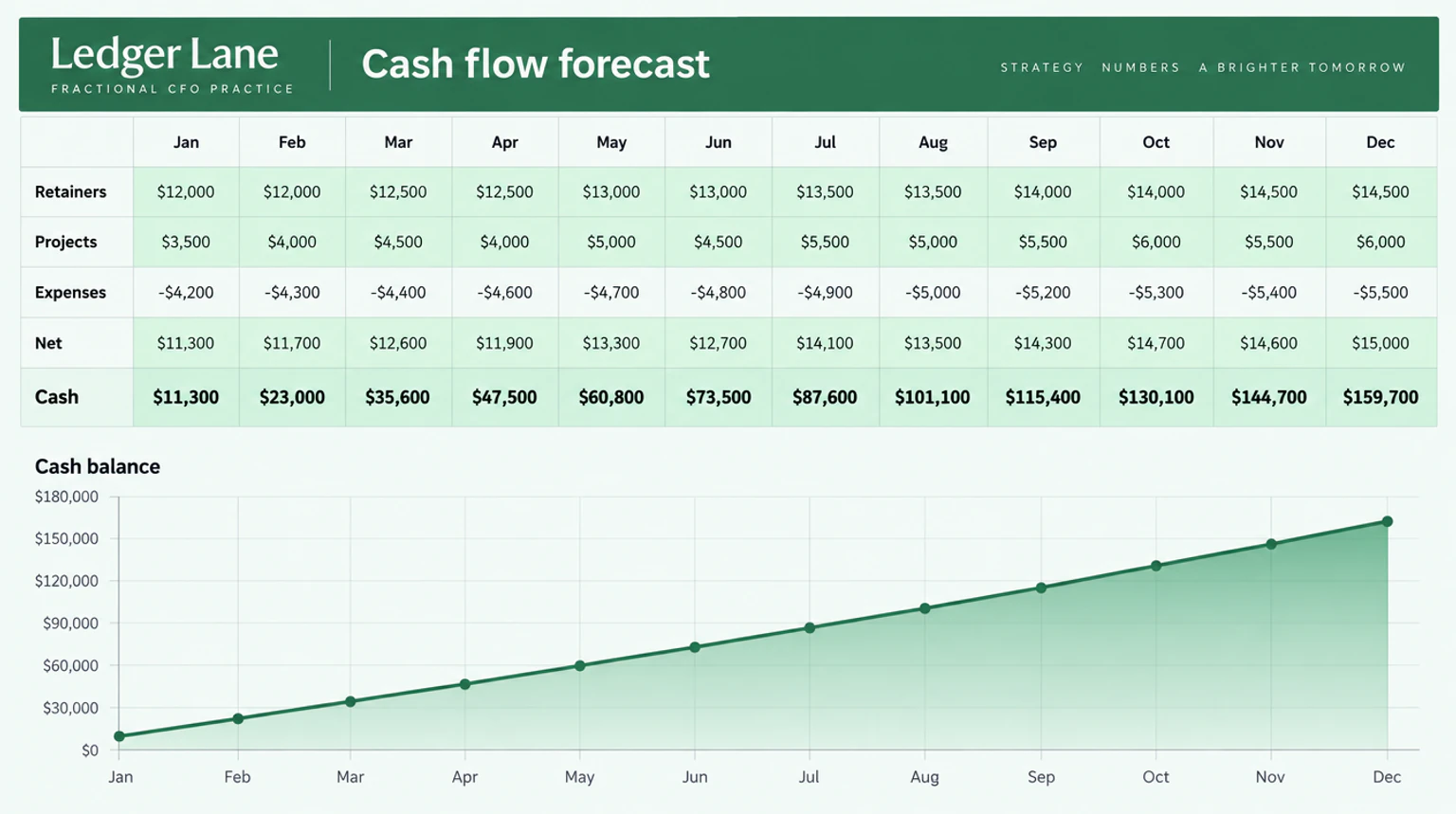
Where figures matter, sheets are worked out from each other, so a change flows through.

Studios · Ready-made
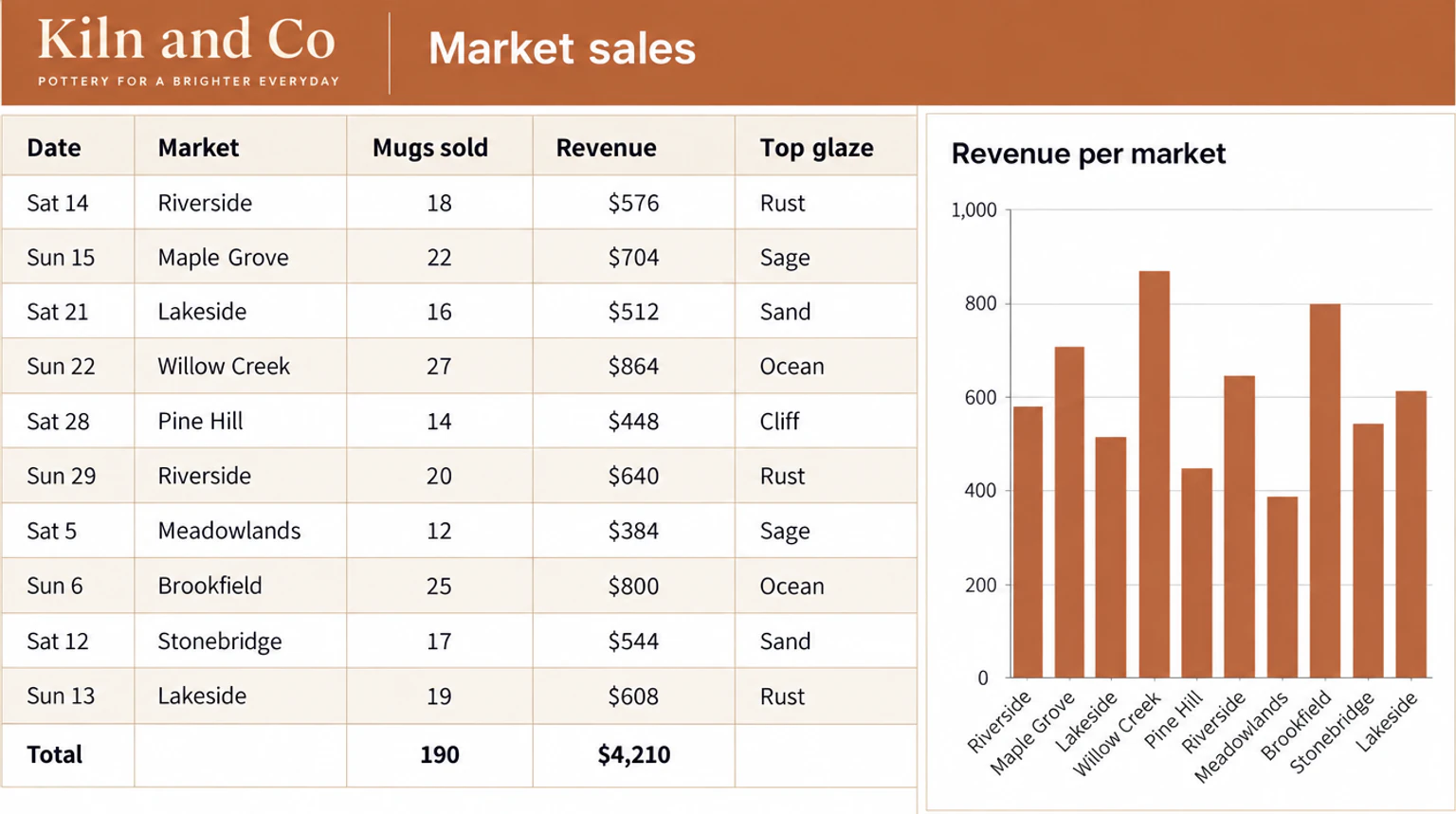
Say what you need: a budget, a sales tracker, a price list, a plan. You get its sheets with sample rows, formulas and totals, charts where they help, and an overview of the main figures. A simple list stays a plain sheet.
What you get
Where figures matter, sheets are worked out from each other, so a change flows through.
Bars in the cells, colour scales, coloured labels, and a chart on the sheets where one helps.
The main figures, each against the one before.
Formulas, charts, colours and number formats, ready for Excel, Google Sheets or Numbers. Or a sheet as CSV.
Make it a dashboard and it follows the sheets as they change.
Step by step
A budget, a sales tracker, a price list, a plan, in a sentence.
Sheets with sample rows, formulas and totals, charts and an overview.
Double-click a cell, click a figure to see its formula and change it, add rows and charts, and Undo.
Keep it here, Download for Excel, save a sheet as CSV, or Make it a dashboard.
The details
Ready-made: the first click adds it to the project and opens it. After that it is an app like any other in the project, to change with a sentence, open on your phone or publish.
Click a figure to see the formula behind it in the bar above the grid. Change a worked-out column’s formula once and every row follows.
Bars, a line, an area, a ring or bars across, with colours you pick.
It is worked out in the app; the download is a real workbook for whoever opens it next.
Honestly
What it takes to start, and what you can add when you want it.
Questions
Yes. Formulas, totals, number formats, colour scales, data bars and charts are written into the file, so it works in Excel, Google Sheets or Numbers.
Yes. Say what to change in words, or click a figure to see the formula behind it and change it in the bar above the grid.
A simple list stays a plain sheet. Charts, links between sheets and an overview come only where the figures need them.
Something else? Write to hello@threadful.ai. A person answers.
More studios
Each one works from the same project and the same brand.
Join the beta. Invites go out in waves, with earlybird beta pricing.
Free during the beta. No card. Windows now, macOS next.

