A real website
The header and footer on every page, its sections, and colours, type and spacing shared by every part, with the other pages you loved in the studio.

Studios · Built in
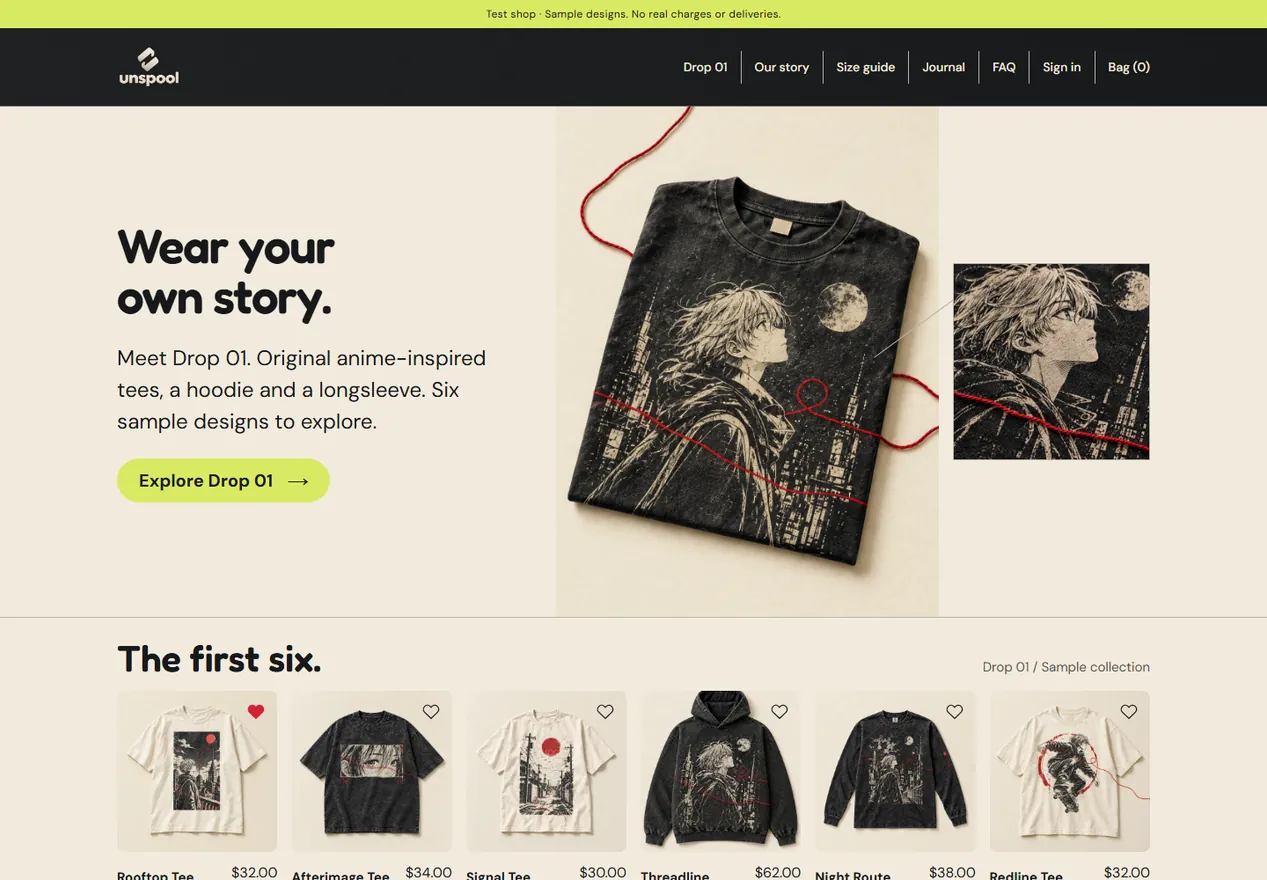
Website ideas come as finished homepage screenshots. Choose one and it is built into a real website: its parts, its pages and its pictures, in your brand. Then change anything by clicking on it.
What you get
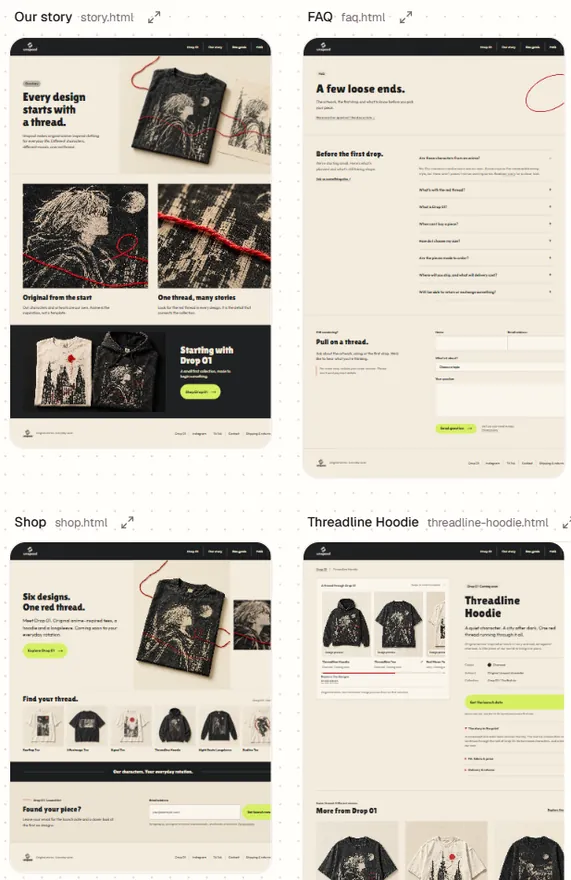
The header and footer on every page, its sections, and colours, type and spacing shared by every part, with the other pages you loved in the studio.
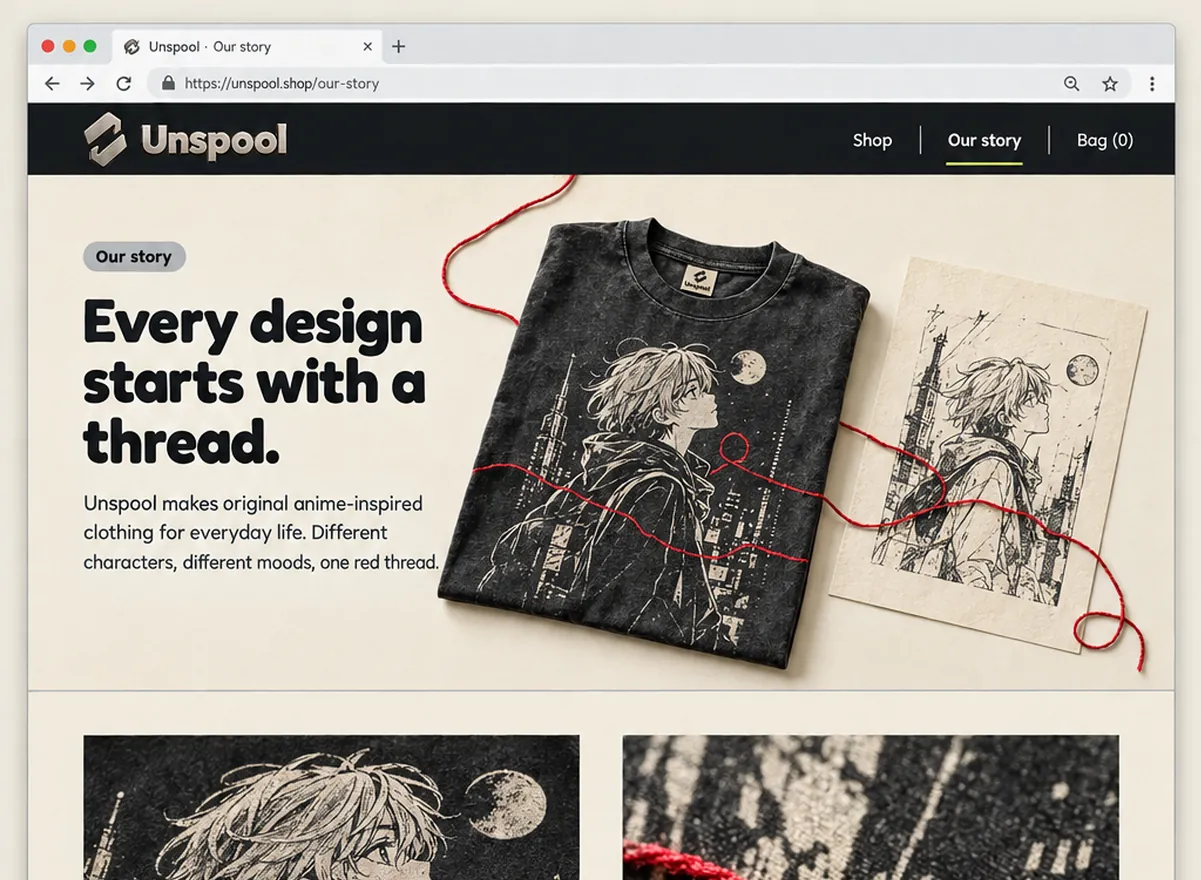
Each picture made in the design’s style, and your own logo files in the header, never a redrawn logo.
Click a heading, a button or a picture and change it by hand, or say what to change.
The site from another idea, in another brand or as a copy to try things on, compared side by side before you switch.
To your own Vercel account, at the same address every time, or the files in a zip to host anywhere.
Scan a code to open it on your phone over your own Wi-Fi.
Step by step
The brief fills in from your project and your brand. Add how it should feel, and sites or pictures you like.
Six directions, each a finished homepage. Heart what you like, ask for more, or ask for the other pages of the ones you love.
Refine your favourites or say what to change in your own words, and put two to four side by side to compare.
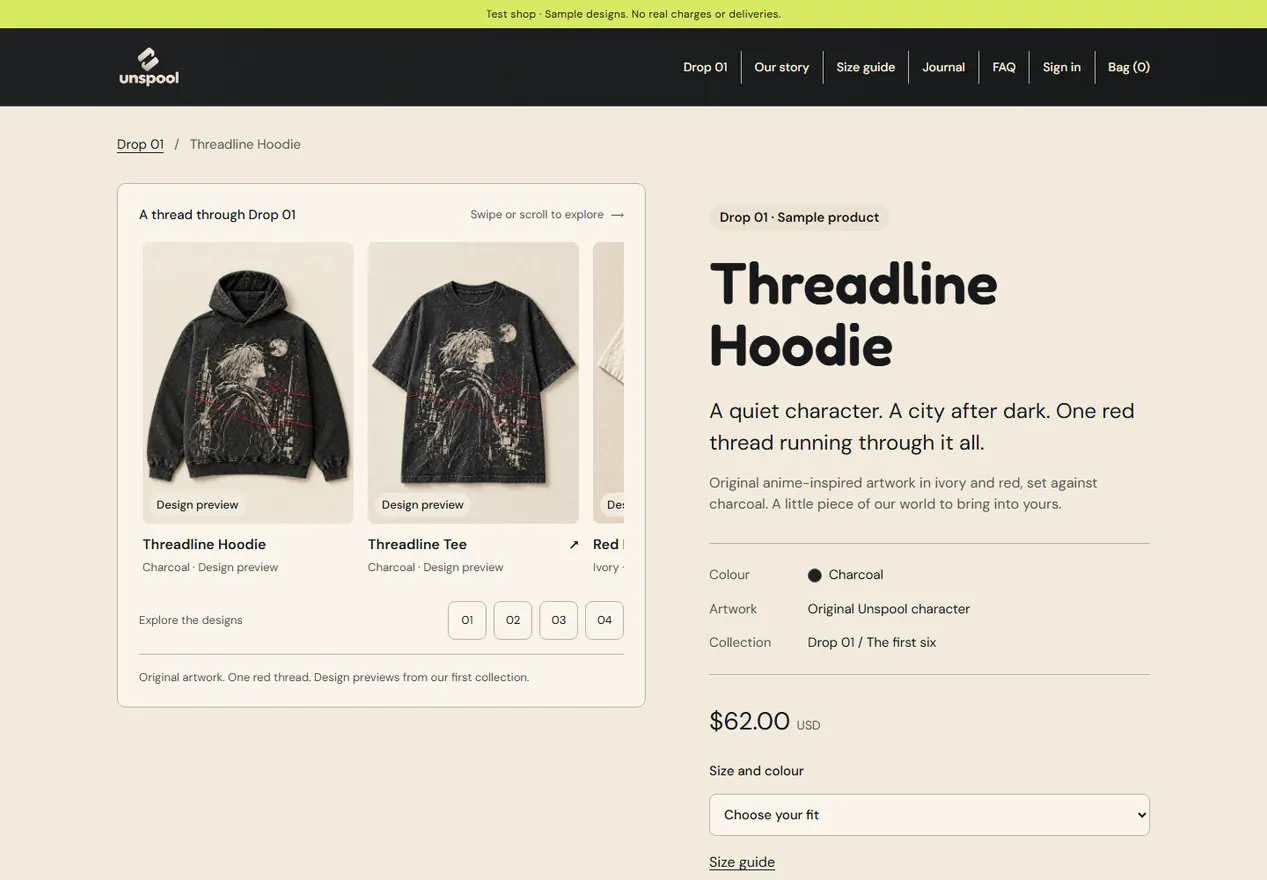
Build the website makes its parts and pages from the design you chose, then checks the home page against it and fixes what differs before you see it.
The details
Double-click words to type, drag in a picture from your library, move sections, or leave notes on the page and have them all fixed in one change. Undo takes back anything.
Type its address, and its main pages are rebuilt here with their own words and pictures, as a website you can change and publish. For your own site, or one you have the right to use.
A main site, a shop, landing pages, a site for each product, each with its own brand and address, listed by brand.
When it needs a shop, bookings, sign-in or a database, plan it in the chat and a coding run builds it out from your design, with code of its own.
Its Design tab shows the real pages. Changes wait at the side until you press Run, and every Run is a version you can go back to.
Make your logo final again or change a colour, and your websites take the new files and colours, with one Undo.
Honestly
What it takes to start, and what you can add when you want it.
Questions
No. A designed website is changed by clicking on its pages or saying what to change. Code only comes in when you make it a full website, and a coding run writes it.
On a designed website, what people send is kept in the project while it runs in Threadful or on your phone. On its published address it stays in the visitor’s browser, and the Publish window says so. For sign-ups, orders or bookings that reach you, make it a full website.
To your own Vercel account, at the same address each time you publish. You can also download its files with a README and a Dockerfile, to host it anywhere.
Something else? Write to hello@threadful.ai. A person answers.
More studios
Each one works from the same project and the same brand.
Join the beta. Invites go out in waves, with earlybird beta pricing.
Free during the beta. No card. Windows now, macOS next.

