Logo files, clear and large
On a transparent background: one for light backgrounds, one for dark, and the mark on its own.

Studios · Built in
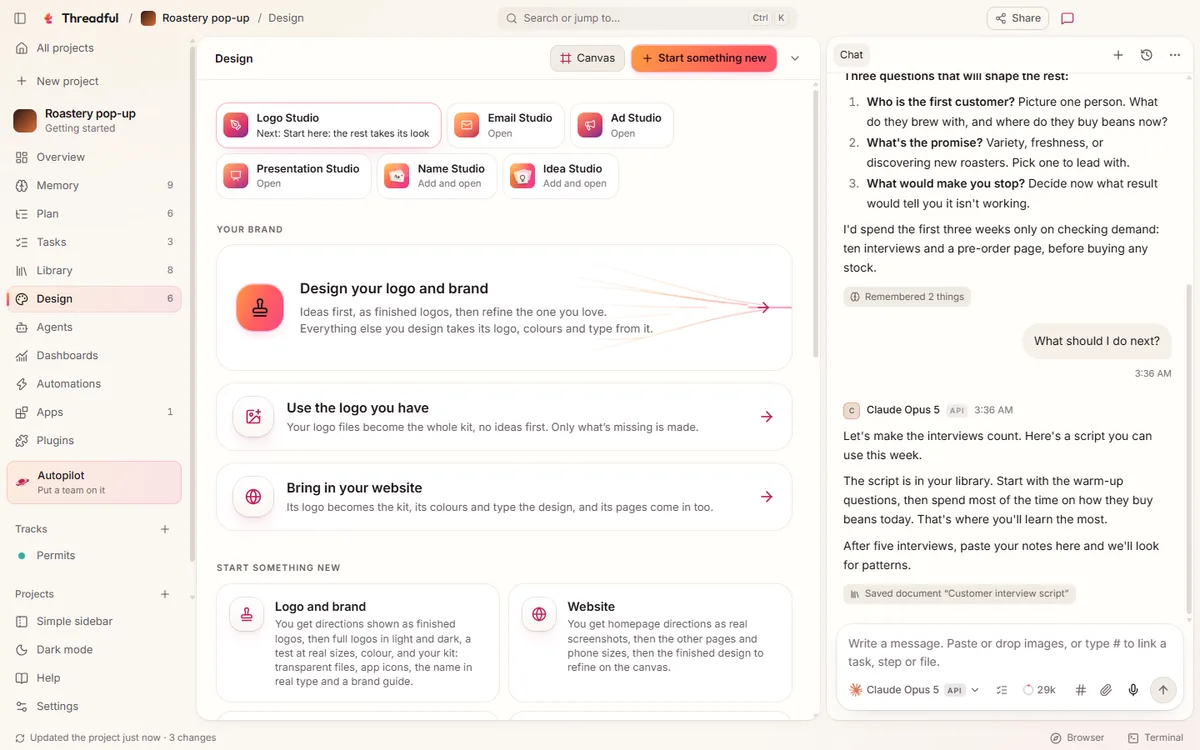
Say what the business is in a sentence. Logo Studio shows six directions as finished logos, refines the ones you love with you, then makes every file a brand needs, checked so each one shows where it goes.
What you get
On a transparent background: one for light backgrounds, one for dark, and the mark on its own.
The app icon at every size down to 16 pixels, with a favicon, in one zip.
For stamps, embroidery, one-colour print and photos.
Sharp at any size, for print and signs. A logo in flat colours is traced on your computer, free.
Your colours read from the logo, each with what it is for and which text reads on it, and the closest font for the name.
A one-page PDF, and Download everything as one zip, with your colours and type as code for whoever builds your site.
Step by step
What the project already knows is filled in: the name, what it does, the idea to carry and anything to stay away from. Add how it should feel and pictures you like.
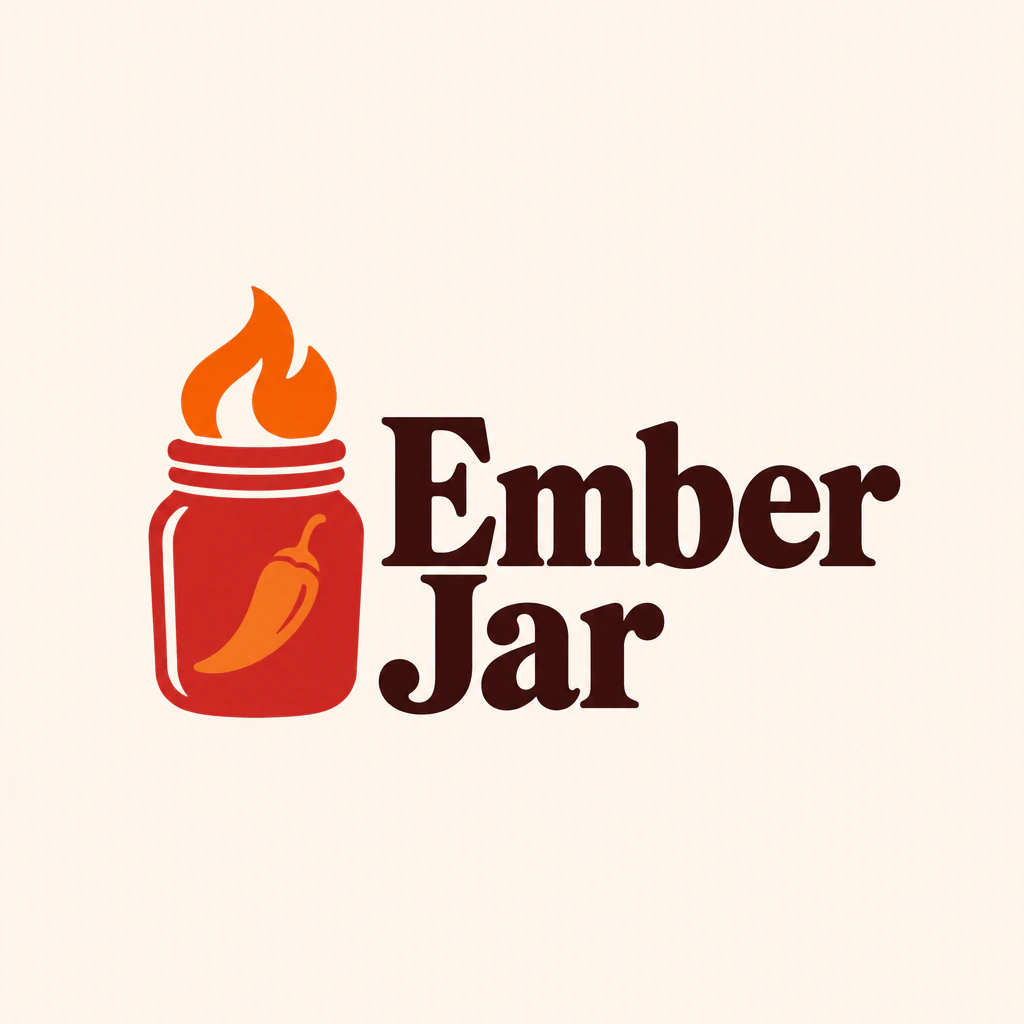
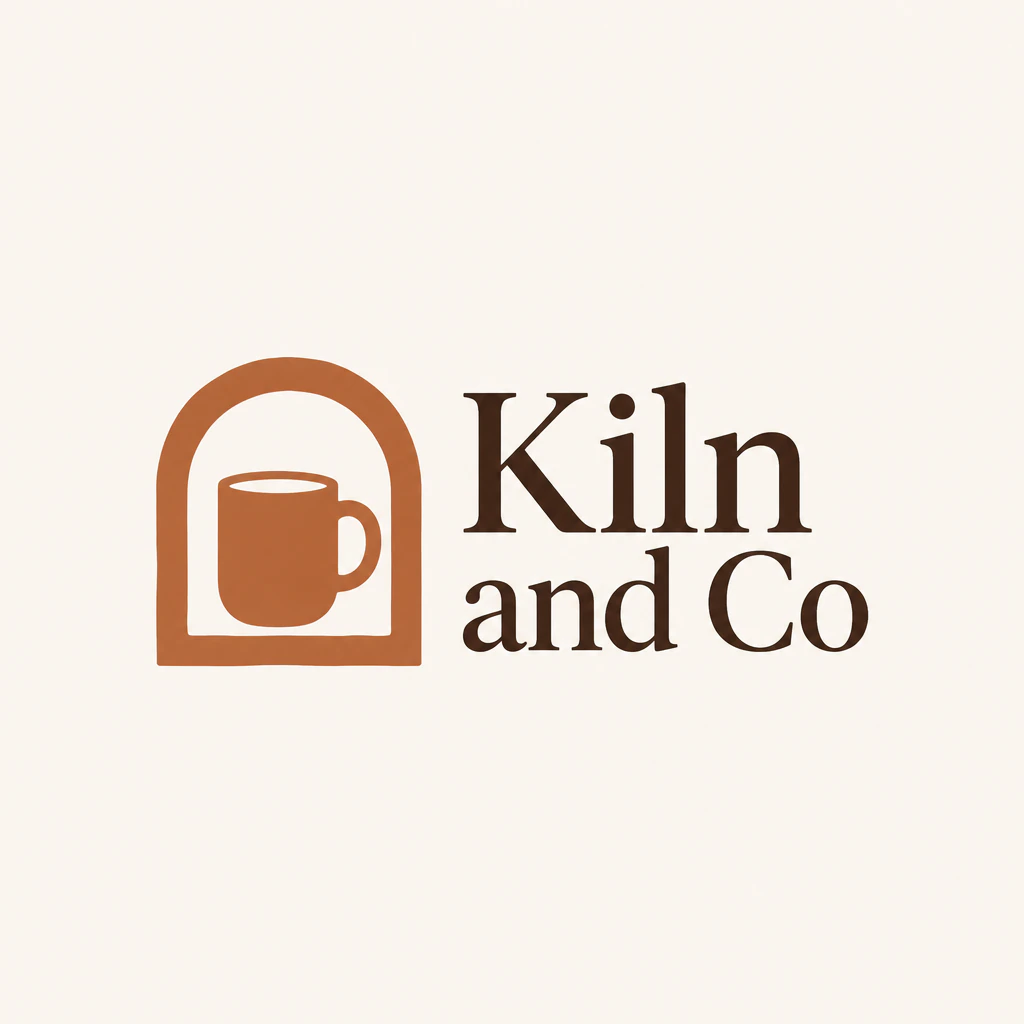
Each idea is a finished logo, most in two takes. The studio says which it would pick and why, and flags anything to check, like a name spelled wrong.
Heart the ones you like, then full logos, a test at real sizes, other colours, or your own words. Brand cards show it on light and dark, as an app icon and small.
Choose one and every file is made from it. Each is checked to show on the background it is made for, and anything that doesn’t is put right.
Take it to brand cards for me runs the steps up to brand cards by itself, so the only stop is choosing.
The details
Drop in your logo files and they become the kit. Each takes its place, a flat background is made see-through, and only what is missing is made, from your files.
The name is set again in real type in the closest font, so the files you keep never carry a misspelled word.
Once it is final, it shows on a business card, a letterhead, a shopfront, a tote, a mug and more, drawn from your kit on your computer.
Business cards and a letterhead in real type with a PDF for the printer, social posts at each place’s size, see-through prints for merch, and signs.
One button makes what a brand needs to go out: a three-page website, a launch deck, social posts and a welcome email, all in your brand.
Keep a main brand, and others for a product or a client, each with its own kit. Websites, emails and ads can each use any of them.
Honestly
What it takes to start, and what you can add when you want it.
Questions
Yes. Use the logo you have takes your files (PNG, JPG, SVG or WebP, up to eight), shows how each one was read, and makes the kit from them. Nothing is drawn again; only versions you don’t have are made.
The studio flags it, and choosing offers a version that puts it right. The kit also sets the name again in real type, so the files you keep spell it right.
Yes. Click a file and say what to change, or draw a box on one part. Each change is a new version, and a change that turns it into a different logo is not kept.
Something else? Write to hello@threadful.ai. A person answers.
More studios
Each one works from the same project and the same brand.
Join the beta. Invites go out in waves, with earlybird beta pricing.
Free during the beta. No card. Windows now, macOS next.

